
Priority Pass offers access to more than 1,900 airport lounges and experiences across 856 airports in 143 countries, giving travelers a comfortable place to relax before their flights.
However, having an eligible travel credit card does not always mean your membership is ready to use. You may need to enroll first to access your physical or digital membership card.
In this guide, you will learn how to activate your Priority Pass membership, whether you purchased it directly or received it through an eligible credit card.
How to Activate Priority Pass? Practical Steps
There are two ways to activate your Priority Pass membership, depending on whether you purchased it directly or received it through an eligible credit card:
- Activate Priority Pass Purchased Directly
- Activate Priority Pass Through a Credit Card
Activate Priority Pass Purchased Through Official Website
Follow these steps to activate your direct Priority Pass membership if you’ve purchased it via the Priority Pass website:
- Visit the Priority Pass website: Click Activate Your Account in the menu to open the activation page.
- Enter your membership details: Provide your membership number and the validation code included in your welcome letter.
- Create your online account: Follow the on-screen instructions to complete registration and activate your account.
Hopefully, this way, you will get your Priority Pass account successfully activated.
Activate Priority Pass Access Via Credit Cards
Here is how to activate your Priority Pass through an eligible credit card.
- Log in to your credit card account. Visit your card issuer’s website or mobile app and sign in.
- Find the Priority Pass benefit. Open your card’s benefits section and look for Priority Pass or airport lounge access.
- Click the enrollment or activation option. Follow the link provided by your card issuer to begin registration. If you cannot find it, contact the issuer using the number on your card.
- Complete the enrollment form. Enter the requested details, which may include your credit card number, country of residence, and billing information.
- Submit your enrollment. Follow the on-screen instructions to complete the registration and receive confirmation of your Priority Pass membership.
- Receive your membership card. Follow the instructions to access your digital membership card or receive your physical card. Some lounges require a physical card, so enroll before your trip.
Disclaimer: The exact activation process varies by card issuer. Some eligible cards may enroll you automatically, while others require you to register on the Priority Pass website manually.
Simply showing your credit card at a Priority Pass lounge is generally not enough; you need the required membership credentials.
How to Access Your Priority Pass Digital Membership Card
After activating your account, you can check whether your membership includes a Digital Membership Card.
- Download the Priority Pass app.
- Log in using your account details.
- Open the membership card section.
- Follow any instructions to display your Digital Membership Card.
If your digital membership card is available, you can use it to enter participating lounges that accept it. However, check the lounge’s entry requirements before traveling.
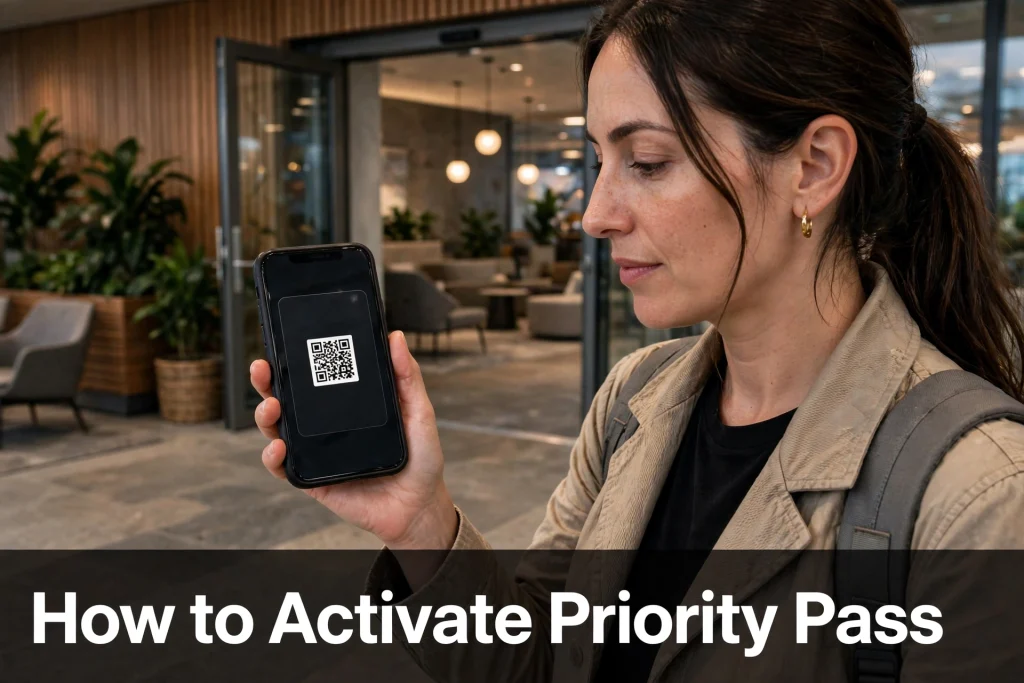
Do You Need to Activate Your Priority Pass Physical Card?
No. According to Priority Pass, you do not need to activate your physical membership card before using it.
However, activating your online account gives you access to additional features, including your Digital Membership Card where available.
If you have already received your membership, follow the relevant instructions to access your card and check that your membership is valid before visiting a lounge.
Frequently Asked Questions
How long does Priority Pass activation take?
The time depends on your membership provider and verification process. Follow the registration instructions and contact Priority Pass or your card issuer if your account cannot be activated.
What if I cannot activate my Priority Pass account?
Check that you have entered the correct membership number or eligible payment card details. If verification fails, review the instructions on the official website or contact Priority Pass support.
Can I use Priority Pass without activating my online account?
Yes. Priority Pass states that you do not need to activate your physical membership card. However, you must have valid membership credentials accepted by the lounge.
Conclusion
To activate your Priority Pass online account, visit the official activation page, enter your membership details, and complete the required verification. If your membership comes through a credit card, follow your issuer’s enrollment instructions.
Once registered, check your account or app to access your membership details and Digital Membership Card, if available.